Interactive digital tickets
The best seat in your house.
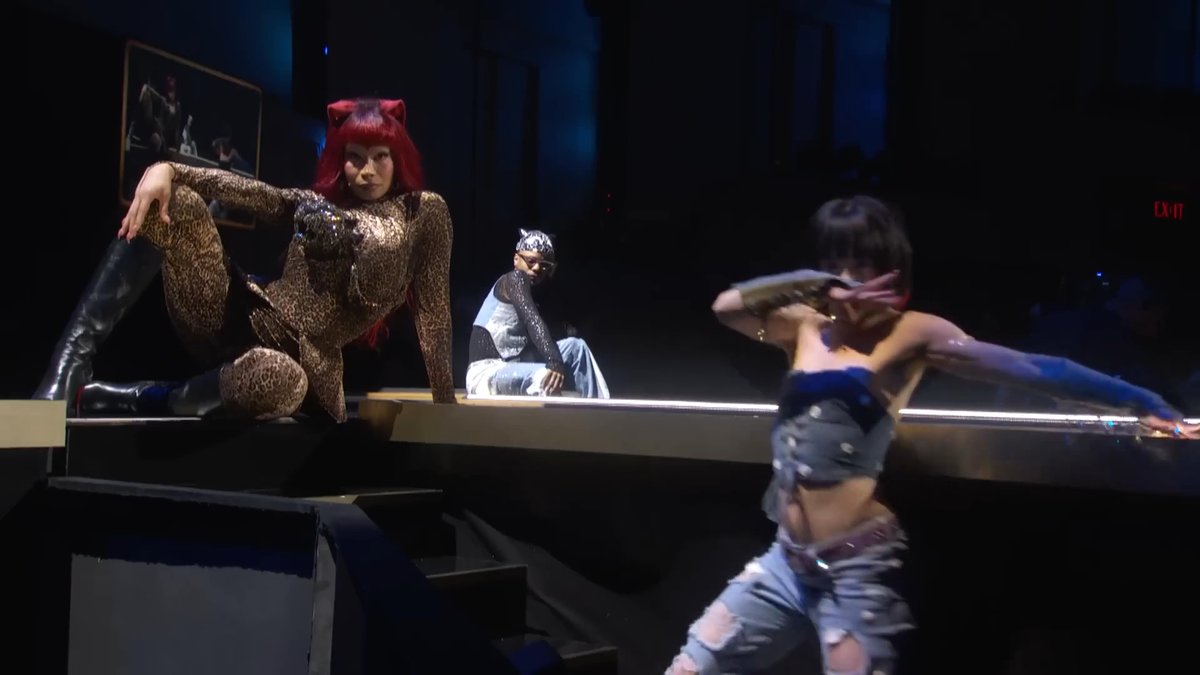
Experience digital shows like never before: switch camera angles mid-show, hear the cast’s commentary*, or watch again from a view you missed — on your phone, laptop, or tablet.
*Specific features and content vary per show.
Give it a try
Choose your own adventure.
Press play and get immersed in the show. Switch angles to your heart’s content — the show never misses a beat.
We recommend using Chrome on desktop for the most seamless and immersive experience, but Ballyhoo is compatible on phones, laptops, and tablets in browser.
How it works
Three steps to the best seat.
1 — Grab your ticket
2 — Get comfy
3 — Stream it your way
What’s playing
Now live.
Pick a show to see the details and grab your ticket.
Don’t miss the announcement
Be first to know.
One email when the next show goes on sale. That’s it.
Good to know
Frequently asked.
What time/time zone does the show start? Is this a livestream?
No. Ballyhoo digital tickets are not livestreams; they are pretaped from the live show. So feel free to watch whenever is convenient for you!
How many times can I watch a show? How long is my watch window?
Enjoy the show as many times as you like during your watch window! Each creator sets the length of the watch window for their show — they’re typically 72 hours, but check your show’s detail page to see what the creator specified for that show.
When does my watch window begin? How long do I have to start it?
Your window begins when you first hit play on your digital ticket. And you have 30 days from purchase to start your watch window (or 30 days from release for a pre-order).
What if I need more time to finish?
Life happens! Once you’ve started watching, you can extend your watch window* for a nominal fee from the ticket details on the “My Tickets” page. Extensions are offered during the last 24 hours before your access ends — once the window has closed, it can’t be extended.
*Availability varies per creator and show.
How many screens can I watch on at once?
Up to 2 streams at the same time on one account.
Are there captions?
Where the creator has provided them. If a show has captions, turn them on and off with the CC control in the player.
Can I use AirPlay or cast to my TV?
Not yet. AirPlay and casting aren’t supported right now.
Which browsers are supported?
We aim to support current versions of Safari, Chrome, Firefox, and Edge, on desktop and mobile.
What if I have an issue?
We’ve got your back! Reach out to support@ballyhoo.show and we’ll get you sorted.
What’s a ballyhoo?
It’s not a made-up nonsense word! It’s actually the name of a lighting move that started with manual spotlight operators. Think: end of the show before the curtain’s come up for curtain call, and the spotlights twirl around in excitement, making fast figure-eight shapes. That’s a ballyhoo! Whee!